RFXMaterial Studio

Shape the light.
RFX Material Studio turns text and shapes into 3D scenes inside Adobe After Effects.
Every face. Its own finish.
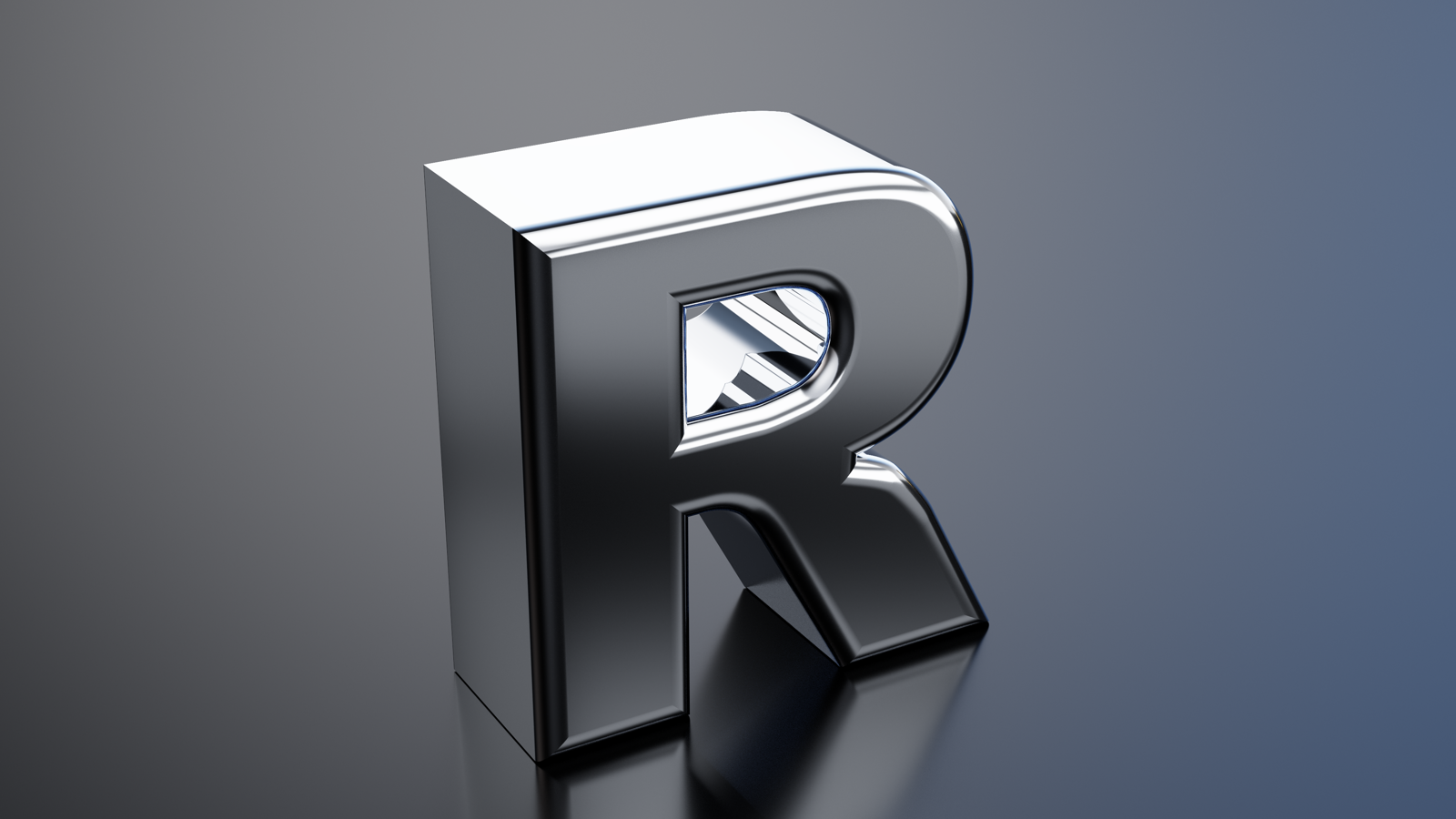
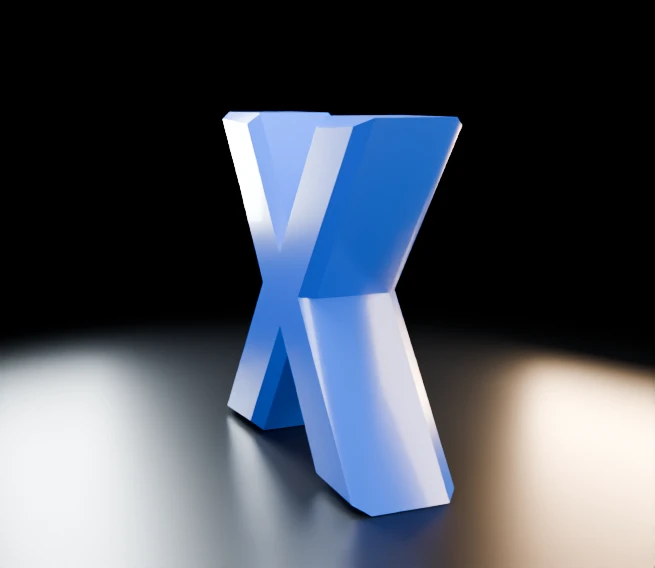
Extrude text and shapes. Apply chrome, gold or glass to the face, bevel, sides and back.
Light changes everything.
Direct the intensity, color and HDR. Link floor and background colors or adjust them separately.
From chrome to crystal.
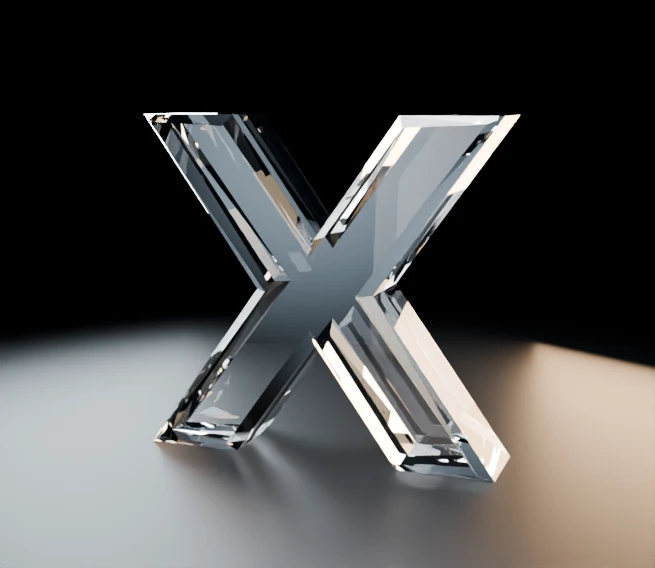
Adjust roughness, color and transparency to shape how each surface responds to light.
From idea to final frame.
Animate your scene in After Effects and prepare the final render in HD or 4K.
Explore RFX.
Make it yours.
Explore the intended workflow in an interactive browser demonstration.
Interactive web demo
Drag to orbit. Pinch or hold Option/Alt while scrolling to zoom.
A finish for
every idea.
Explore the visual direction for chrome, gold, glass, ceramic, and brushed metal.
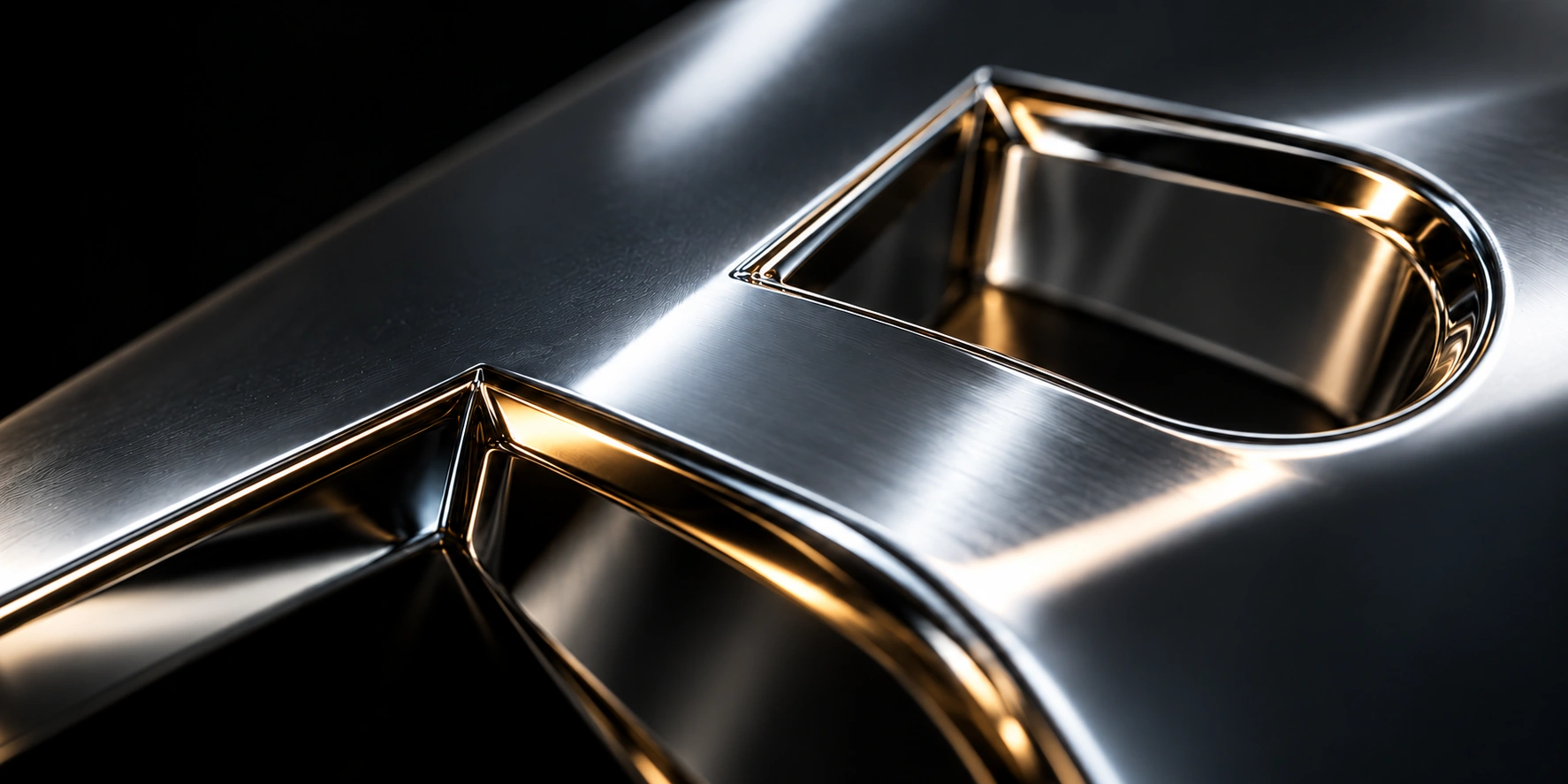
The finish
is the feeling.
Native 3D rendering in After Effects
Build, light and render with just After Effects and RFX. Refine finishes in the same comp and get to the final render faster.

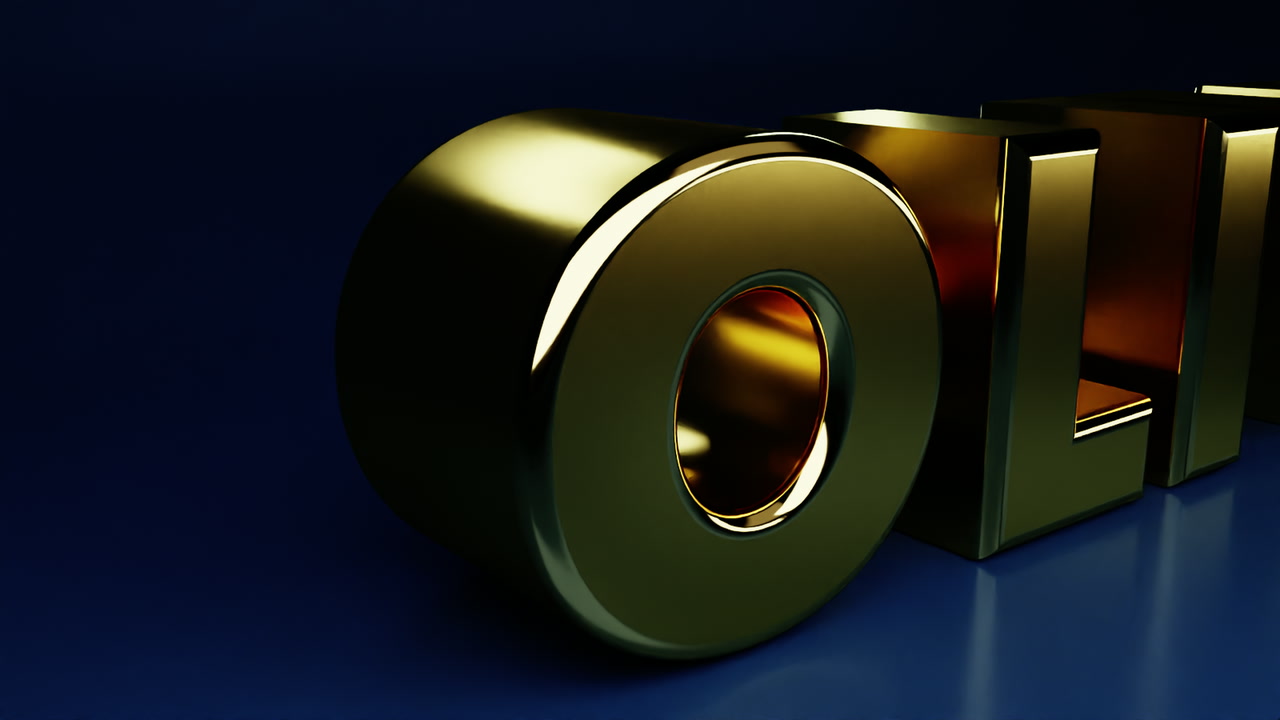
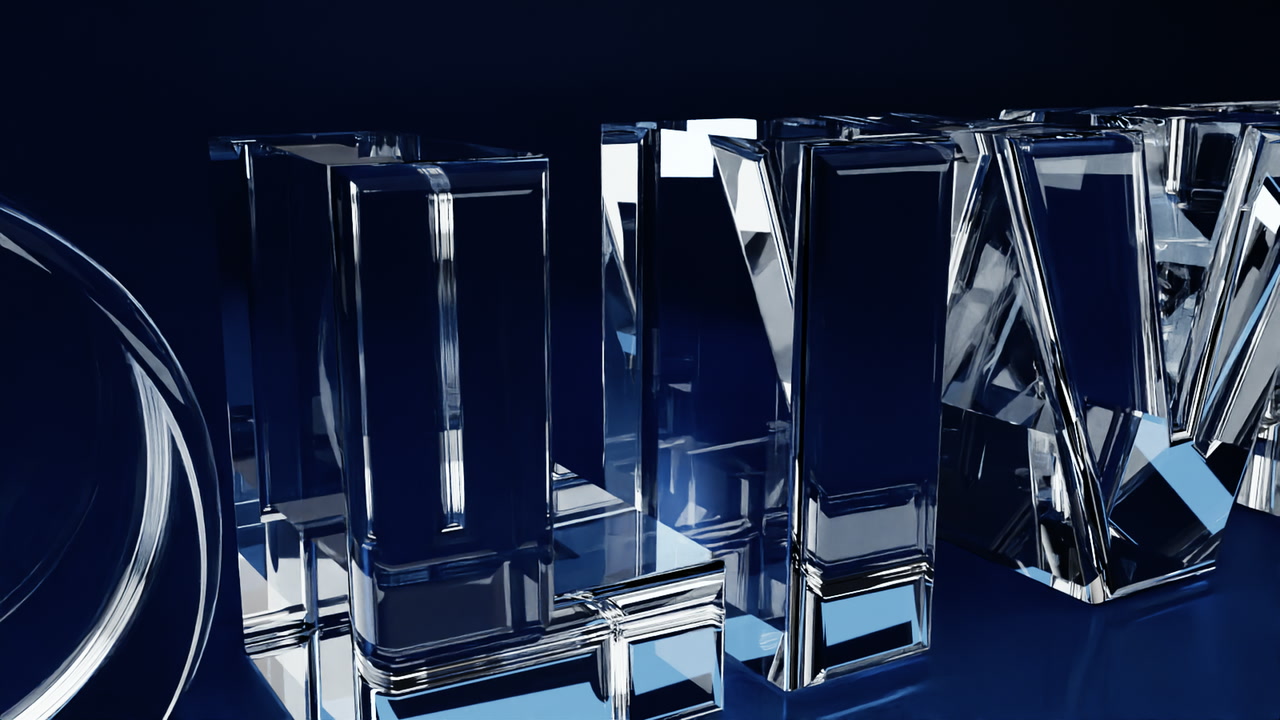
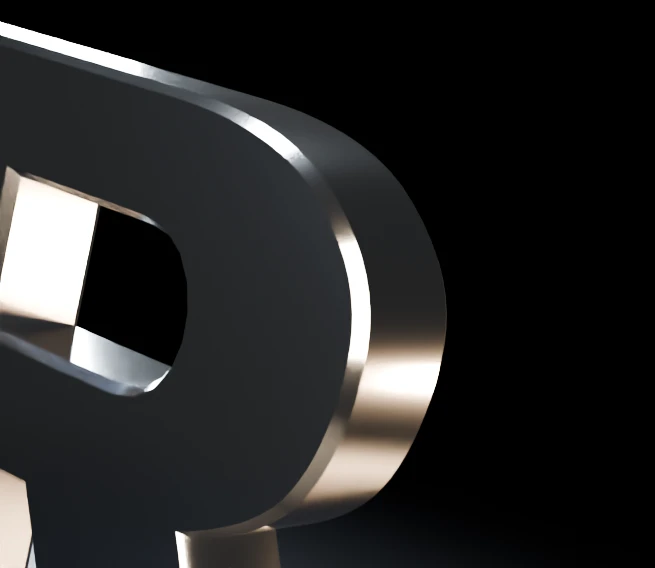
Close-ups from the Ricardo Oliveros Studio opening
CREATE ONCE. DISCOVER TOGETHER.
One growing material library.
New shared finishes join the Global catalogue. Discover what other artists create, then bring the materials you choose into your work.
Explore the libraryPublish a shared finish
Discover it in Global
Download & apply
An active license and internet are required to publish and sync. First use is your choice: download and apply. Copies already downloaded receive updates automatically.

BUILT BY A MOTION DESIGNER.
Made for the way you create.
Created by Ricardo Oliveros, drawing on decades of motion design experience. A focused space to explore type, shape, light and surface inside Adobe After Effects.
- Give type a visual identity.
- Direct each surface.
- Build your own material language.
Your words. With depth.
From flat type to depth, bevel and finish.